

The speed, efficiency, and convenience brought by artificial intelligence can be applied to many aspects of User Experience (UX) processes.
In this article, we explore AI-powered tools that can help you take more effective notes during user interviews in your UX research workflow. Let’s dive in!
1. Notion AI
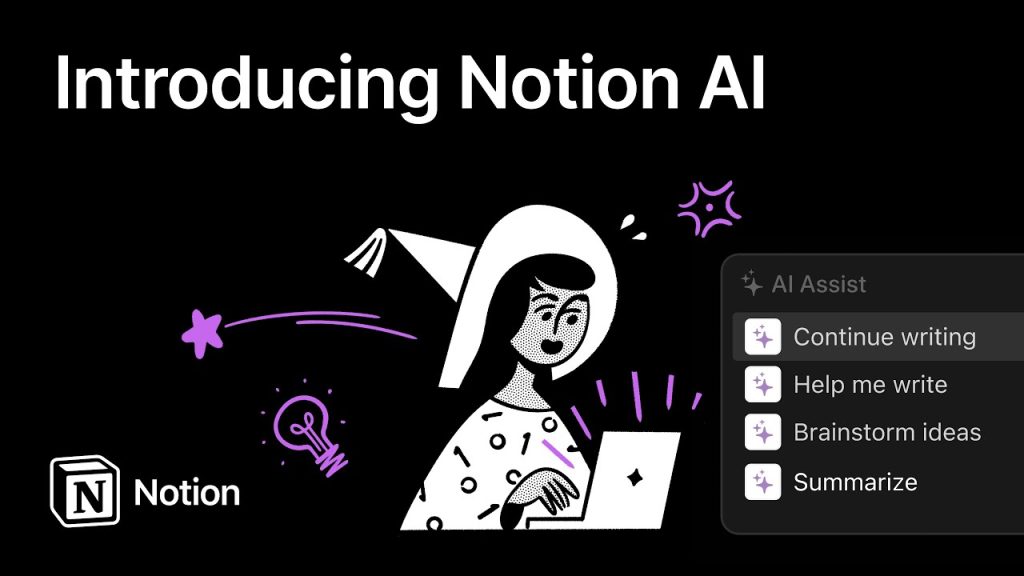
Notion AI summarizes meeting notes and generates a to-do list.
Known as one of the most popular tools for productivity, Notion has maintained its lead thanks to its customization and flexibility. About six months ago, the company introduced Notion AI, making it an essential companion for many professionals.
While Notion was already widely used in UX research, Notion AI takes it further by organizing messy notes, summarizing them, and generating action plans after user interviews. You can leave these tasks to Notion AI with confidence.
2. Notably AI

Notably AI can learn the tags you use in video summaries and suggest new ones.
This tool offers features for nearly every stage of the research process. You can create a custom project knowledge page and even convert video interviews into text.


It highlights key insights, groups and labels important data, and synthesizes findings—helping you push your UX process forward. Notably AI also offers ready-made AI-powered templates for focus groups, insight discovery, and usability testing.
💡 Tip: After transcribing your interviews in Notably, you can use Notion AI to highlight or summarize the main points.
3. Otter AI

Ranked among The Wall Street Journal’s Best AI Apps of 2023, Otter AI is a must-have for UX work.
It transcribes speech to text in real time during interviews, lets you highlight important moments, and even allows you to share notes instantly with team members.
With its ability to add comments and action items directly to transcripts, Otter AI boosts collaboration and offers multiple export options for your notes.
4. Obsidian

Obsidian stands out for its ability to link notes together and visualize their relationships, giving you a big-picture view of your research.
With AI integration, Obsidian now supports content generation, insight extraction, and advanced search. It can also work with other AI tools like DALL·E and ChatGPT, offering a highly customizable note-taking experience.
5. Reflect
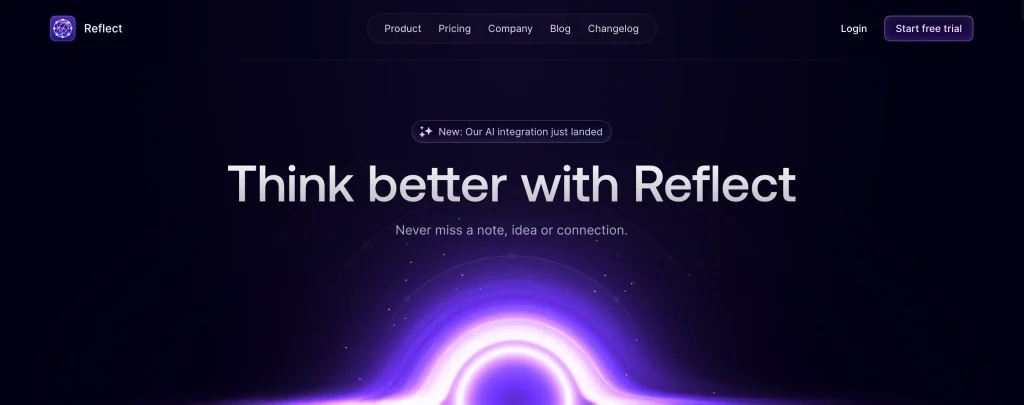
Reflect has become a favorite for many users thanks to its powerful AI features. It integrates with ChatGPT-4 and offers open-source prompts that can be customized.
Like Otter AI, it can convert voice to text using AI. Its open-source approach is rare among AI tools, allowing users to tweak prompts freely.
Reflect also supports custom API keys and uses end-to-end encryption to ensure your notes remain private.
You Might Also Like;









